
Why Clothing Colour Looks Different on Two Screens
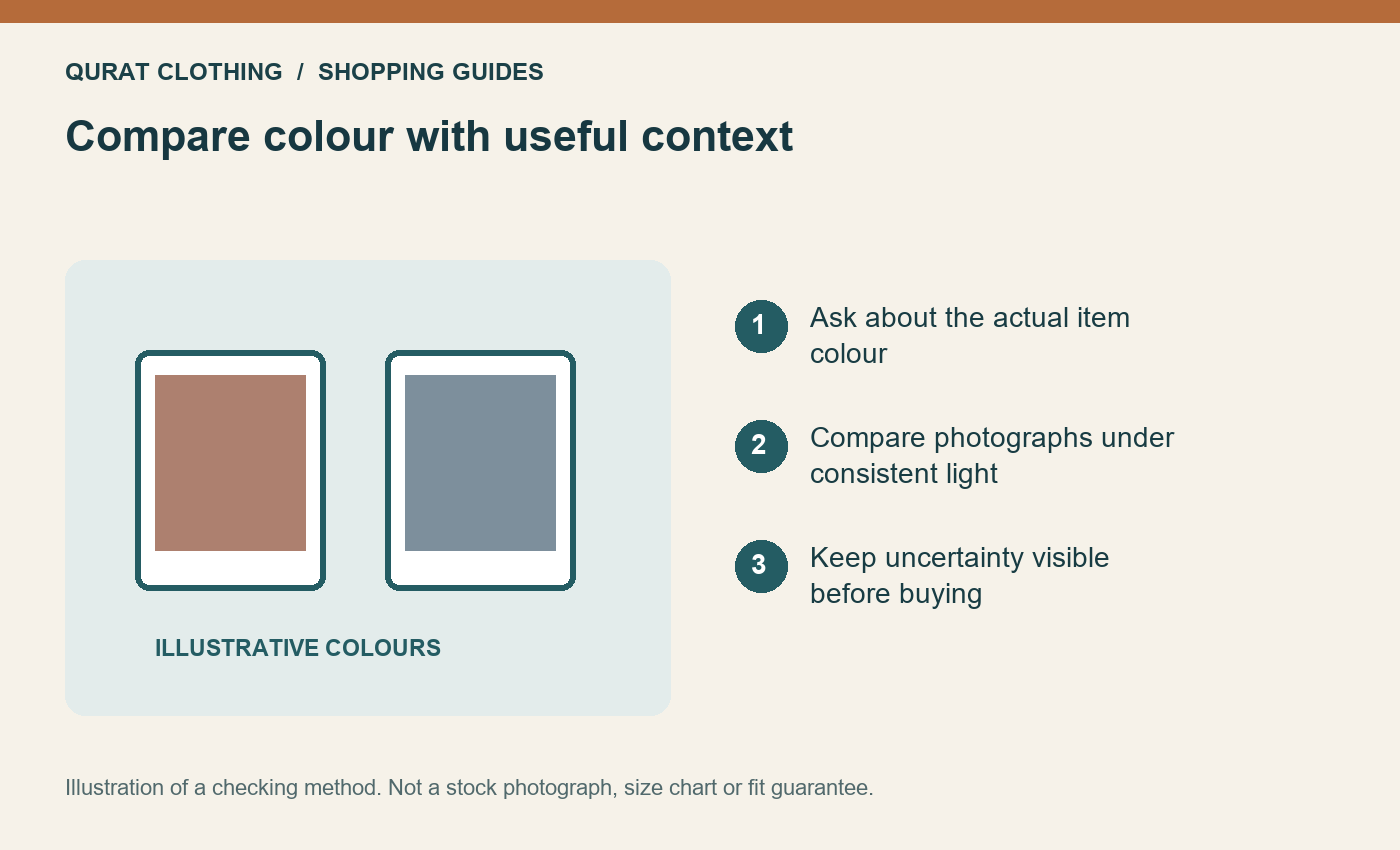
Clothing colour on a screen is an interpretation of a photograph, not a physical colour sample. Lighting, camera processing and display settings can change its appearance. Use the item's written colour description, several useful photographs and an item-specific enquiry together when a shade matters to your purchase.
A photograph can help you compare a garment's pattern and colour relationships. It cannot guarantee that a shade will match an existing garment in your wardrobe under every light.
Separate the photograph from the actual item
First check that the photographs show the same QC product code, colour and selected variant. A different photograph may show another item or a styling example. If the listing includes both a close-up and a full-garment image, compare them before deciding which best represents the item.
Ask for clarification if the written colour name and pictures seem inconsistent. A seller's shade name is useful identification, but two garments both called navy or beige do not necessarily match each other exactly.
Use a colour-checking record
| Record | What to ask or check |
|---|---|
| Item identity | QC code, selected variant and the seller's actual colour description. |
| Photograph context | Whether available pictures show the same item under comparable lighting. |
| Matching requirement | Whether you need a complementary shade or a precise match. |
| Open question | Any colour uncertainty you need answered before paying. |
Example: coordinating two navy pieces
Suppose you already own navy trousers and want another navy top. The shared colour name does not establish an exact match. If an exact match is essential, explain that requirement and ask what the seller can actually confirm. If you are comfortable with different tones, choose the outfit as a deliberate combination rather than assuming the fabrics will look identical.
Our tonal-outfit guide discusses combining related shades. For product photographs more broadly, use the photo-reading guide; colour is only one part of the evidence.
What can I check on my own screen?
Review the picture without a strong colour filter or an unusually warm display setting if you can. Compare more than one available view. Avoid editing the image's saturation or contrast and then treating the edited result as a better representation of the garment.
Changing screens may reveal that there is uncertainty, but it does not identify which screen is a calibrated reference. A retailer also cannot guarantee the appearance of every customer's display. Keep the decision grounded in the information available about the actual item.
When the delivery arrives
Check the product code and selected variant before judging a colour concern. Photograph the item in useful, consistent light and describe what differs from the order information. Contact the retailer before washing or altering it and consult the current exchange and return terms. A screen-colour difference alone does not establish which policy outcome applies.
Browse current boys' T-shirts and shirts or the appropriate department, keeping measurements and care details alongside your colour question. Buying a shade you can accept is more practical than relying on a promise a photograph cannot provide.
Comments
Be the first to comment.